Cursor Pro vs Claude Code vs Codex CLI: Which $20/month AI Coding Tool Gives the Most Value?

Problem
Three major AI coding tools — Cursor Pro, Claude Code, and OpenAI Codex CLI — all cost $20/month. But their usage models are completely different. If you pick the wrong one, you hit usage caps mid-sprint or pay for features you never use.
I spent time digging into each tool’s actual usage model to figure out which $20 subscription gives the most real coding output.
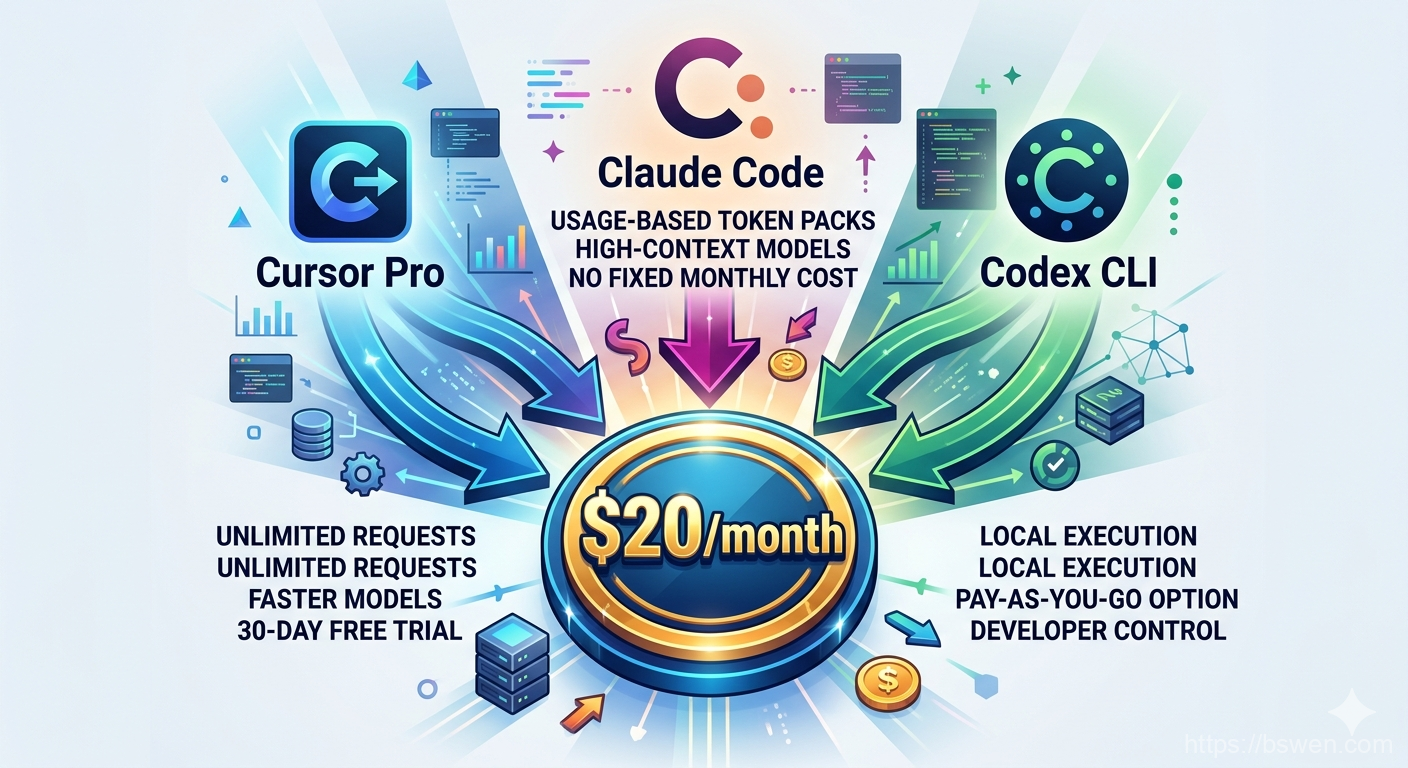
The Comparison
| Aspect | Cursor Pro | Claude Code | Codex CLI |
|---|---|---|---|
| Interface | IDE (VS Code fork) | Terminal CLI | Terminal CLI |
| Usage Model | Request-based (500 fast + unlimited slow per month) | Token-based (~5M tokens/mo on Sonnet via Claude Pro) | Token-based (ChatGPT Plus cap or BYO API key) |
| Models Available | Claude, GPT-4, and others | Claude Sonnet 4, Opus | OpenAI GPT models |
| Local Execution | No (cloud IDE) | No (API-based) | Yes (agent runs locally, free) |
| Best For | IDE-integrated daily editing | Complex refactoring, large codebases | Fast iteration, lightweight tasks |
| Key Limitation | Fast requests run out mid-month | Token burn on large contexts | Less capable for complex architecture |
What Each Tool Actually Gives You
Cursor Pro ($20/month)
Cursor bundles unlimited “slow” premium requests plus 500 “fast” premium requests per month. Each request is one AI interaction — a Ctrl+K edit, a Ctrl+L chat, or an Agent mode action.
Real developer scenario: A full-time dev making ~100 AI interactions per day burns through 500 fast requests in 5 days. For the remaining ~20 days, they rely on slow requests. During off-peak hours, slow requests are nearly as fast as premium. During peak, they can take 30-60 seconds.
The hidden advantage: Cursor Pro lets you use Claude and GPT models through its interface. You’re paying for model flexibility + IDE integration in one subscription.
Claude Code ($20/month via Claude Pro)
Claude Code is token-based. The $20 Claude Pro plan gives access to Claude Sonnet 4 and Opus with usage limits. Heavy tasks with large context windows consume your monthly allowance quickly.
When it shines: Deep code understanding, multi-file refactoring, complex architecture analysis. Claude Code reasons through problems more thoroughly than the other two options.
When it hurts: Every interaction costs tokens. A single session analyzing a 50k-line codebase can burn through a significant portion of your monthly quota.
Codex CLI ($20/month via ChatGPT Plus)
Codex CLI runs locally on your machine. The agent itself is free — you only pay for model inference. The $20 ChatGPT Plus plan unlocks Codex access with usage caps. You can also bring your own API key and pay per token.
Unique advantage: Local execution means your code never leaves your machine. For developers working in sensitive environments, this is a big deal.
Trade-off: The underlying GPT models are generally less capable than Claude at complex reasoning tasks.
Why This Matters
Subscribing to the wrong tool means either hitting usage caps or paying for features you don’t need. Here are the most common mistakes I see:
- Assuming all $20 plans offer comparable raw “usage” — they don’t. Cursor gives unlimited slow requests. Claude Code gives token-based access. Codex CLI gives ChatGPT Plus access with separate caps.
- Not accounting for IDE vs CLI workflow — if you hate leaving your IDE, Cursor wins by default.
- Overlooking Cursor’s model flexibility — Cursor Pro already gives you Claude and GPT models through its interface. You don’t need a separate subscription.
- Missing that Codex CLI runs locally — its agent runs on your machine with no ongoing cloud cost beyond API inference.
Summary
In this post, I compared Cursor Pro, Claude Code, and Codex CLI at the $20/month price point. The key point is: choose based on your workflow, not just price.
- Cursor Pro — best for IDE-integrated daily editing with model flexibility
- Claude Code — best for deep reasoning and complex codebase work
- Codex CLI — best for lightweight terminal-based coding with local execution
For most developers, Cursor Pro delivers the most practical value for $20/month because it combines IDE integration with model choice and generous usage tiers.
Final Words + More Resources
My intention with this article was to help others share my knowledge and experience. If you want to contact me, you can contact by email: Email me
Here are also the most important links from this article along with some further resources that will help you in this scope:
- 👨💻 Cursor Pricing Page
- 👨💻 Claude Pro Pricing
- 👨💻 OpenAI Codex CLI GitHub
- 👨💻 Reddit Discussion: Cursor Pro vs Claude Code vs Codex CLI
Oh, and if you found these resources useful, don’t forget to support me by starring the repo on GitHub!
Comments